
Most research sessions do not start with a question. They start with a name: a company mentioned in a partner meeting, an investor on a term sheet, a founder someone told you to look up. The job in that moment is retrieval, not discovery. Get the record, get it right, get it fast.
That is the job the aVenture search bar does. It lives in the site header, takes the name you already know, and returns the structured record behind it: the company, its products, its investors, its people, and its press coverage, in one pass. (The same box also understands plain-English questions when you do not have a name yet; that is a separate story.)
One name, the whole record
Type "Anthropic" into the header search and press Enter. The results page opens with the Companies section, ranked so the exact match leads. The card carries what a first screen needs: logo, sector tags, headquarters, founding year, a one-line description, funding stage, and total capital raised, with the full profile one click away. Spelling neighbors like Anthro, anthro.is, and Anthrogen rank nearby, so a half-remembered name still resolves at a glance.
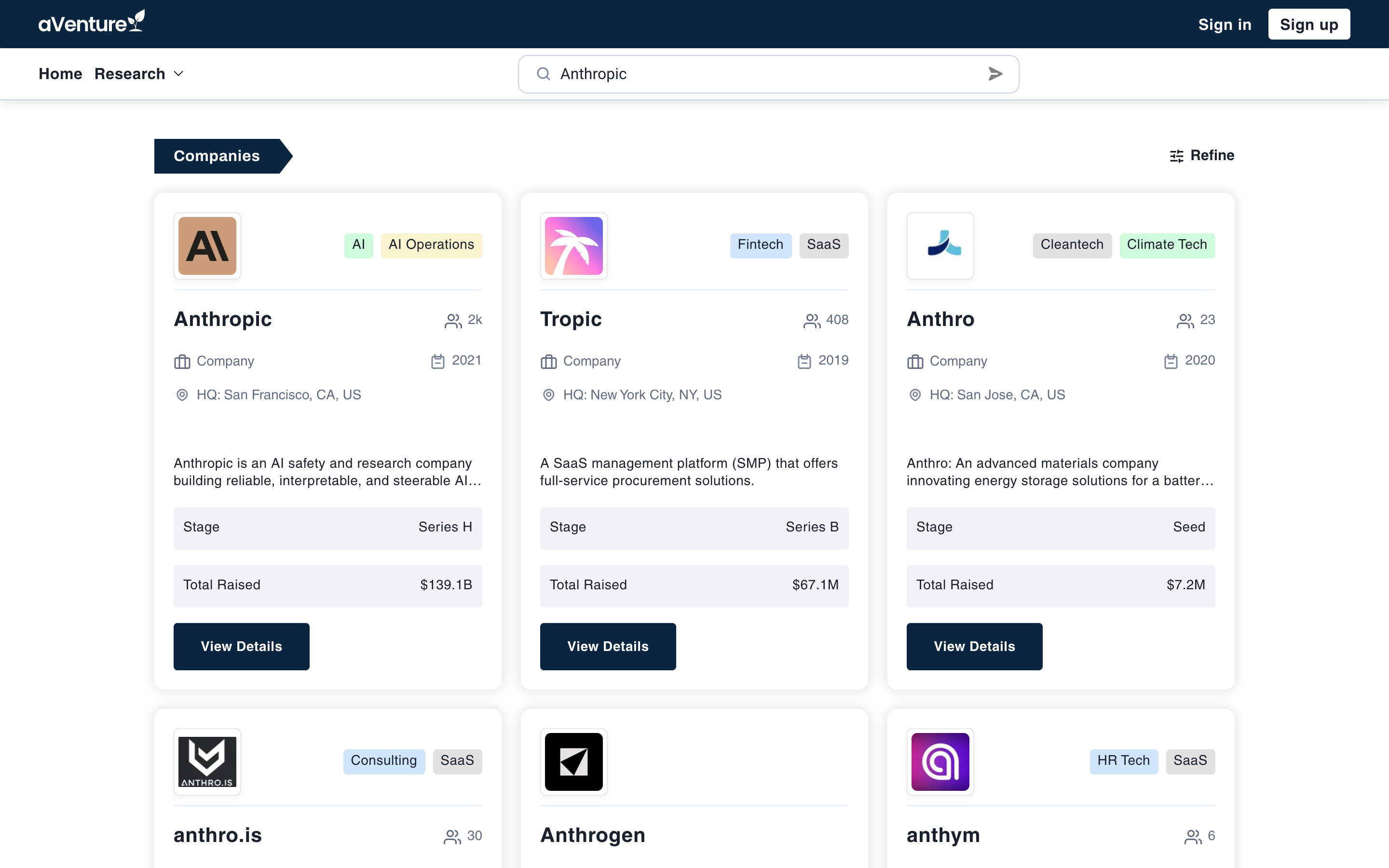
A direct search for "Anthropic": the exact company leads, with near matches ranked below.
The query does not stop at companies. The Products & Services section surfaces what matching companies actually sell, each card badged Product or Service and linked back to its provider. The Investors section catches firms and funds that share the name: search "OpenAI" and an OpenAI-named investment firm appears alongside the company. One name, projected across the whole entity graph.
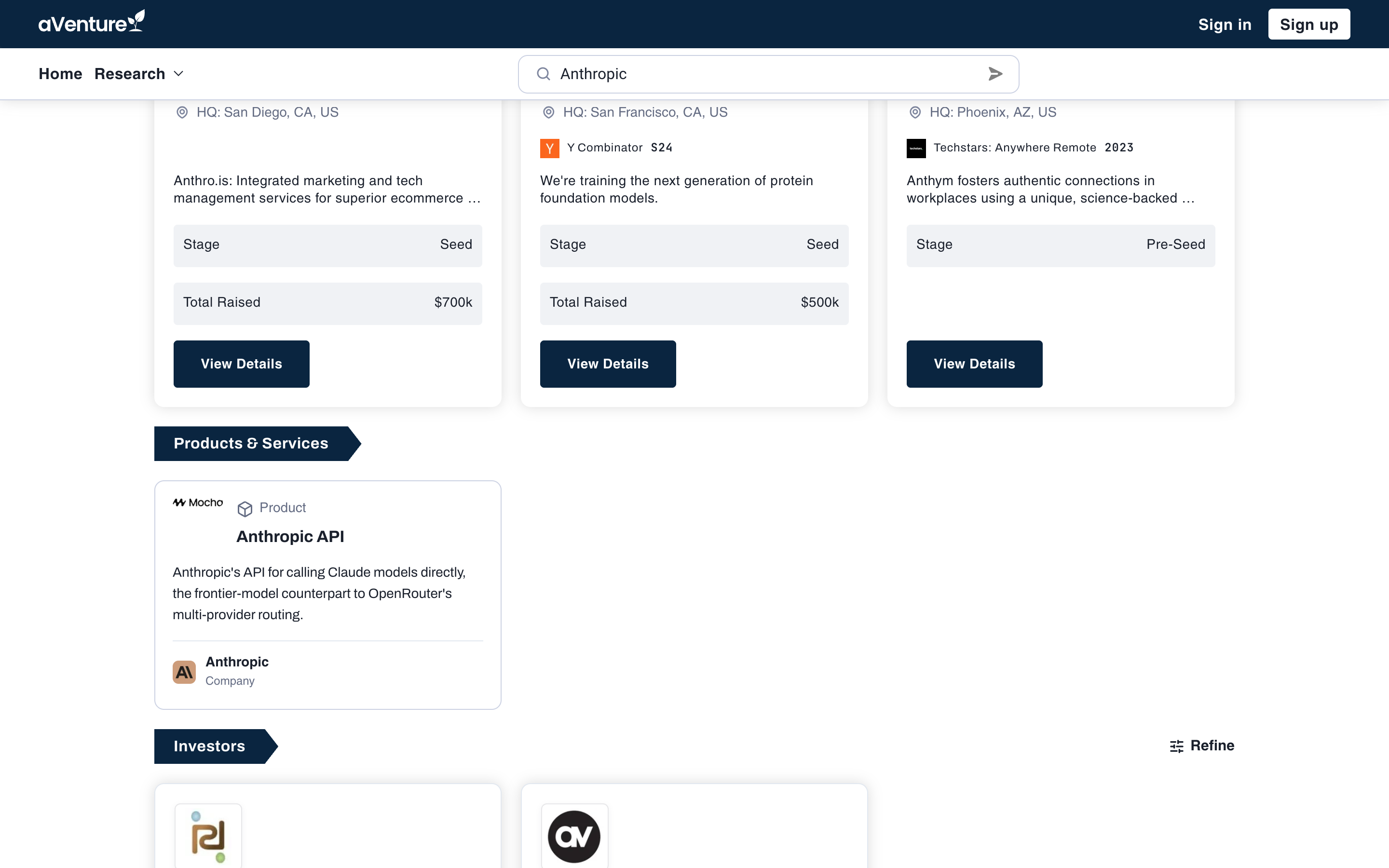
The same search continues into Products & Services, every card one click from its own record.
People and news ride the same query
A name is not always a company. Search a person and the People section returns profile cards with photo, current organization and role, and location, each one click from the full profile. Below it, the News section runs the same name against the article corpus, newest coverage first, so the press record arrives on the same page as the person.
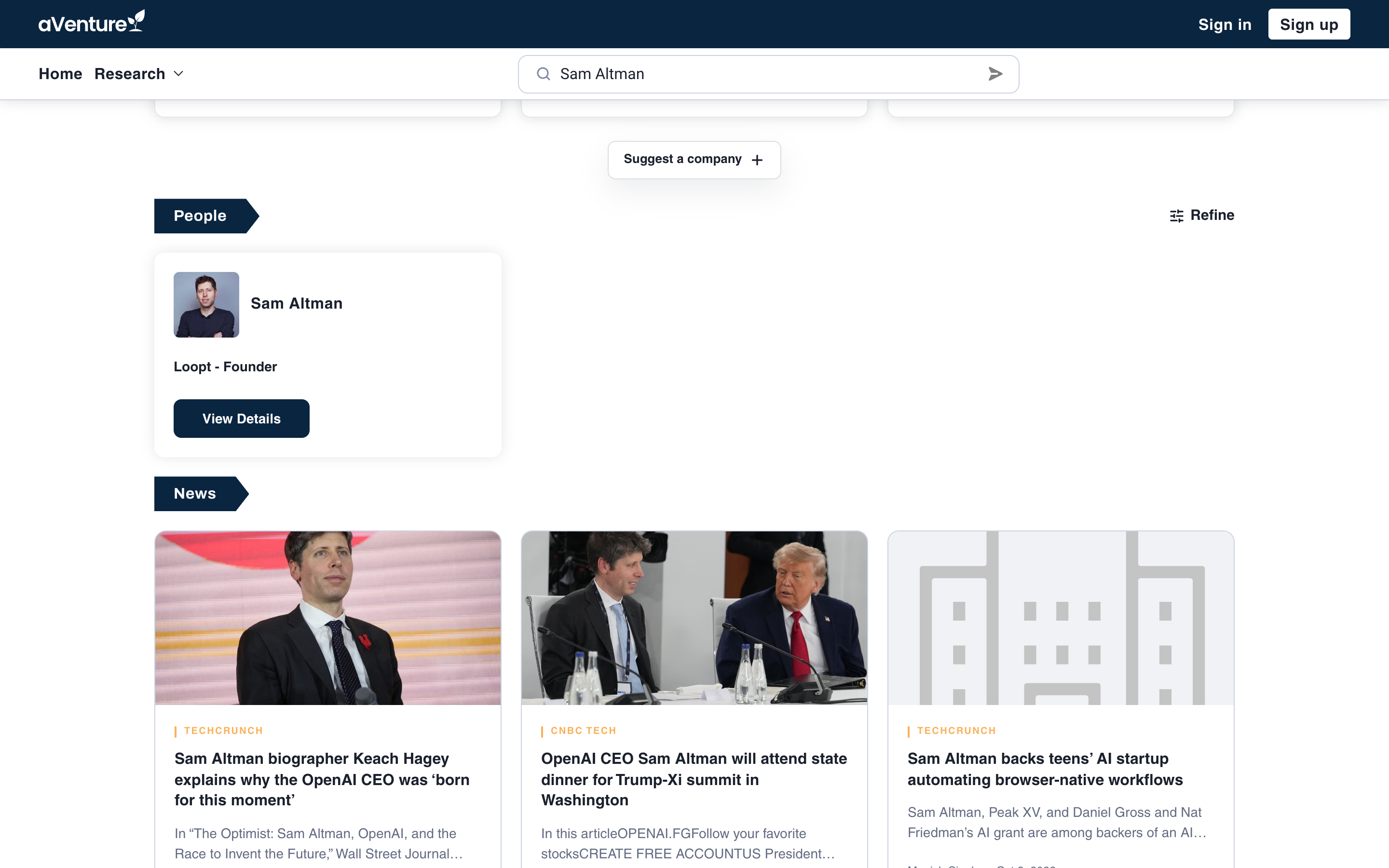
A person search returns profile cards and the matching news record together.
Built for retrieval
A few deliberate choices make the direct case fast instead of merely possible:
- Name lookups skip the query planner. The search backend recognizes a name and answers with a direct index match rather than a language-model planning pass, so first results render as fast as the page can stream them.
- What you type is what gets matched. Submitting cleans up whitespace and Unicode only; case, punctuation, and diacritics pass through untouched, and the field never autocorrects a proper noun into a different word.
- The URL is the query. Every search lands on a canonical
/search?search=...address you can copy, share, or bookmark, and the box submits even before the page finishes loading. - Every section has a next step. The Refine link beside a section header carries the same term into the full research directory, where filters, sorting, and the complete result set live. The search page itself stays focused on operating companies.
When the name is not covered yet
A direct search that finds nothing says so plainly: "No company, product, or investor matches." Next to the message sits Suggest Coverage: paste the company's URL and our research agents and team initiate coverage from your request. A miss becomes an addition to the record instead of a dead end.
The search bar lives in the header across aVenture, no sign-in required. Try it on the name on your desk right now at aventure.vc/search, or go straight to a result page: aventure.vc/search?search=Anthropic.