
No private-market database covers everything. Companies incorporate quietly, raise quietly, and stay invisible to structured datasets until someone goes looking. When the company, firm, or person you are looking for is not in aVenture yet, you can now tell us directly, and the request goes straight into our research pipeline.
There are two ways in, and both end at the same place.
Ask from the form: one URL is enough
The Add a Company form is public and takes a single input: a URL. A company site, a firm site, or a LinkedIn profile all work. Paste it, submit, and the request is in. No account is required, and the form is linked in the site footer as "Add a company" for the next time you need it.
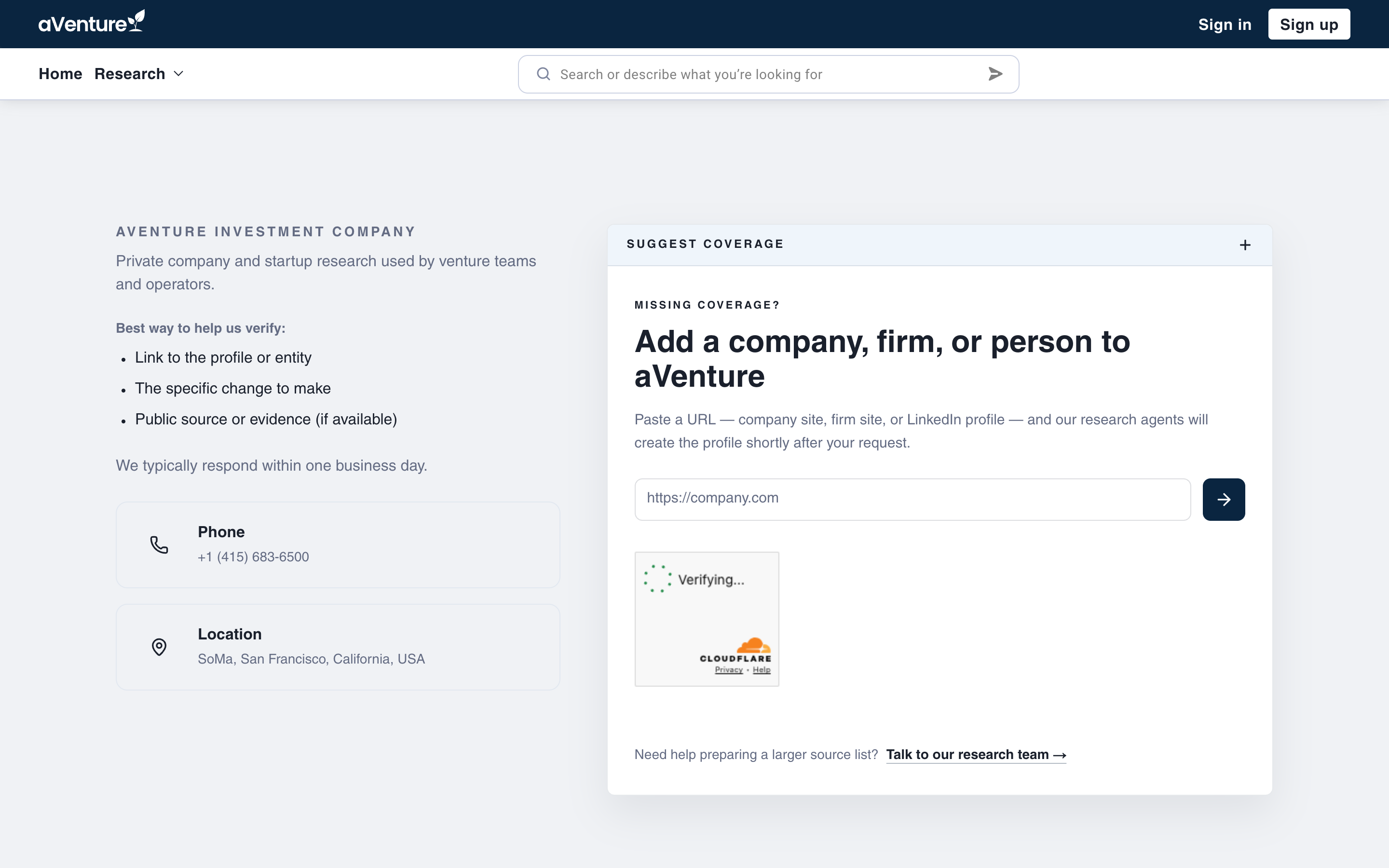
The request form asks for exactly one thing: the URL of the company, firm, or person we should cover.
Behind the submit button, the address is cleaned before it reaches our team. A missing https:// prefix is added, query parameters and fragments are stripped, and a malformed address is rejected with a clear error instead of disappearing into the void.
Ask from the moment you notice the gap
Most requests will not start on a form page. They start when a search comes up empty.
When a search on aVenture returns no matching companies, products, or investors, the results page says so, and the request panel sits directly under that message. The search you ran is attached to the submission automatically, so our team sees not just the URL you paste but the query that failed you. The same panel appears on the Companies and Investors directories when a filtered view returns nothing.
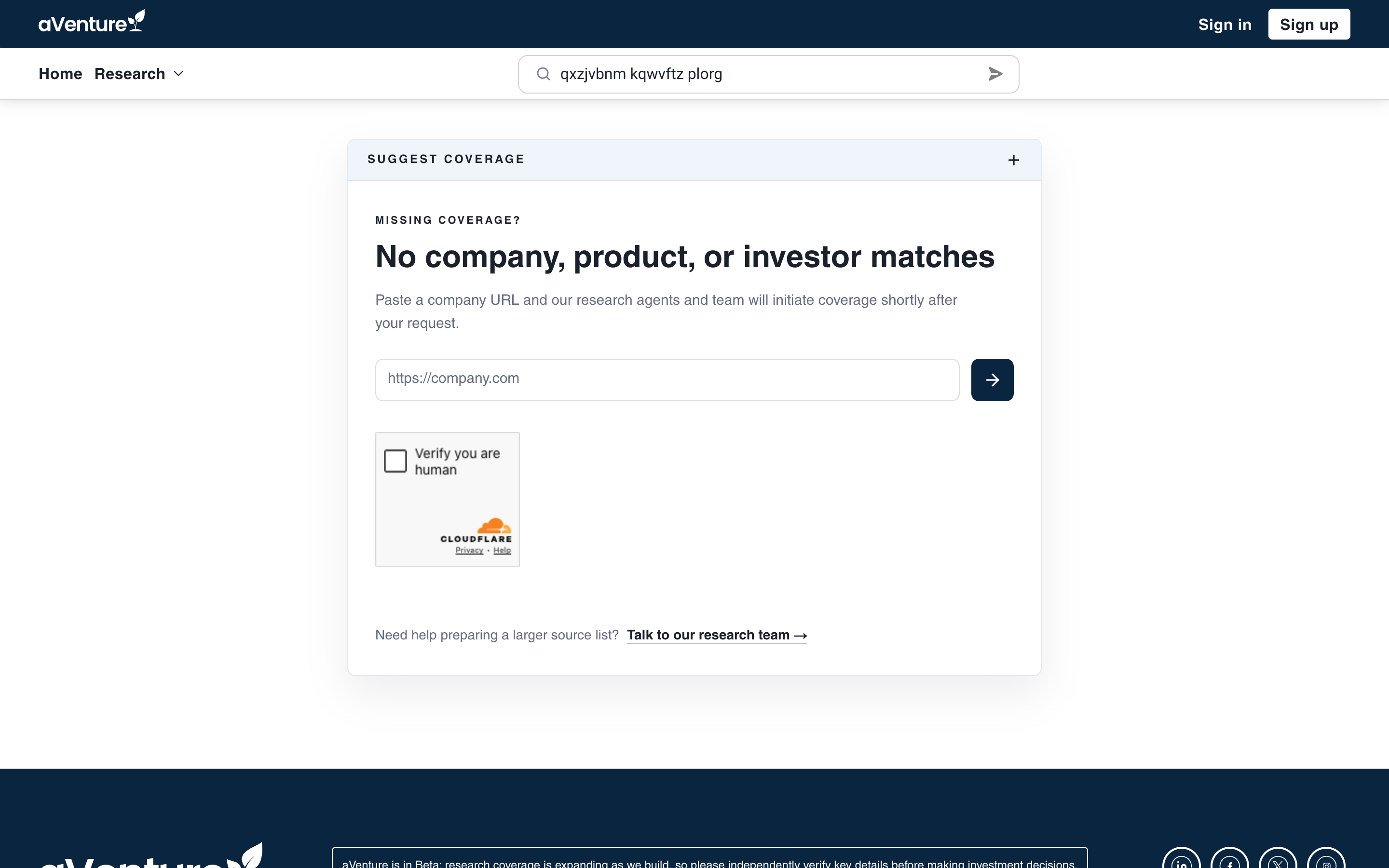
An empty search is not a dead end: the coverage request panel is built into the no-results state, with your query attached.
Even when a search does return results, a "Suggest a company" button stays below them. A market that is half covered is as easy to flag as one that is missing entirely.
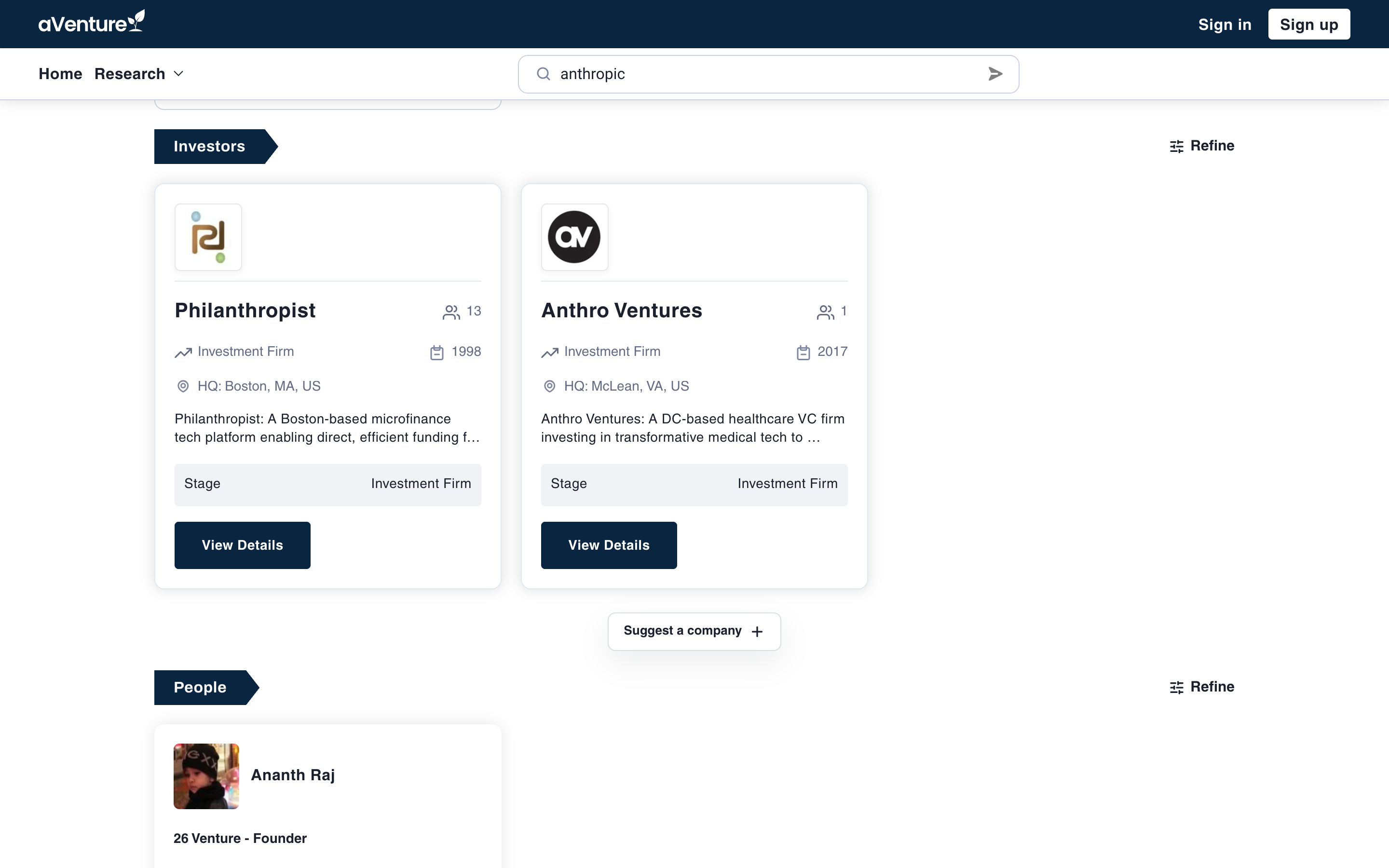
When results exist but coverage looks thin, the Suggest a company button expands into the same request panel.
What happens after you submit
Every request arrives with four things: the URL you pasted, where you asked from (search, a directory, or the form page), the search query that led you there, and, optionally, your email.
The URL goes to our research agents and team, who start building the profile shortly after the request lands. Leave an email on the confirmation panel and we will notify you when coverage is added; skip it and the request still counts. Spam protection runs on every submission, a Turnstile check plus a honeypot, which is what lets us keep the form open to everyone without a sign-in wall.
One distinction worth knowing: this flow is for entities aVenture does not cover at all. To correct or complete a profile that already exists, use Request Data Updates instead.
If a company you track is missing, request it now: Add a company, firm, or person to aVenture.