
Private company data has a short shelf life. A startup closes a round, moves its headquarters, names a new CEO, or rewrites its product line, and every database that recorded the old state is now wrong. aVenture's research system works continuously to keep profiles current, but the people closest to the facts, founders, operators, investors, and the companies themselves, will always spot certain changes first.
So we built a direct correction path into the platform: the request data updates form, live now at aventure.vc/forms/request-data-updates.
Where to find it
The form sits in the Get in touch column of the site footer under Request data updates, alongside Contact, Request a demo, and Add a company. It also appears in the mobile navigation menu and on the public sitemap.
There is no account requirement. The form is open to anyone who spots a stale or wrong fact, whether or not they use aVenture, because the quality of a public research record is everyone's business.
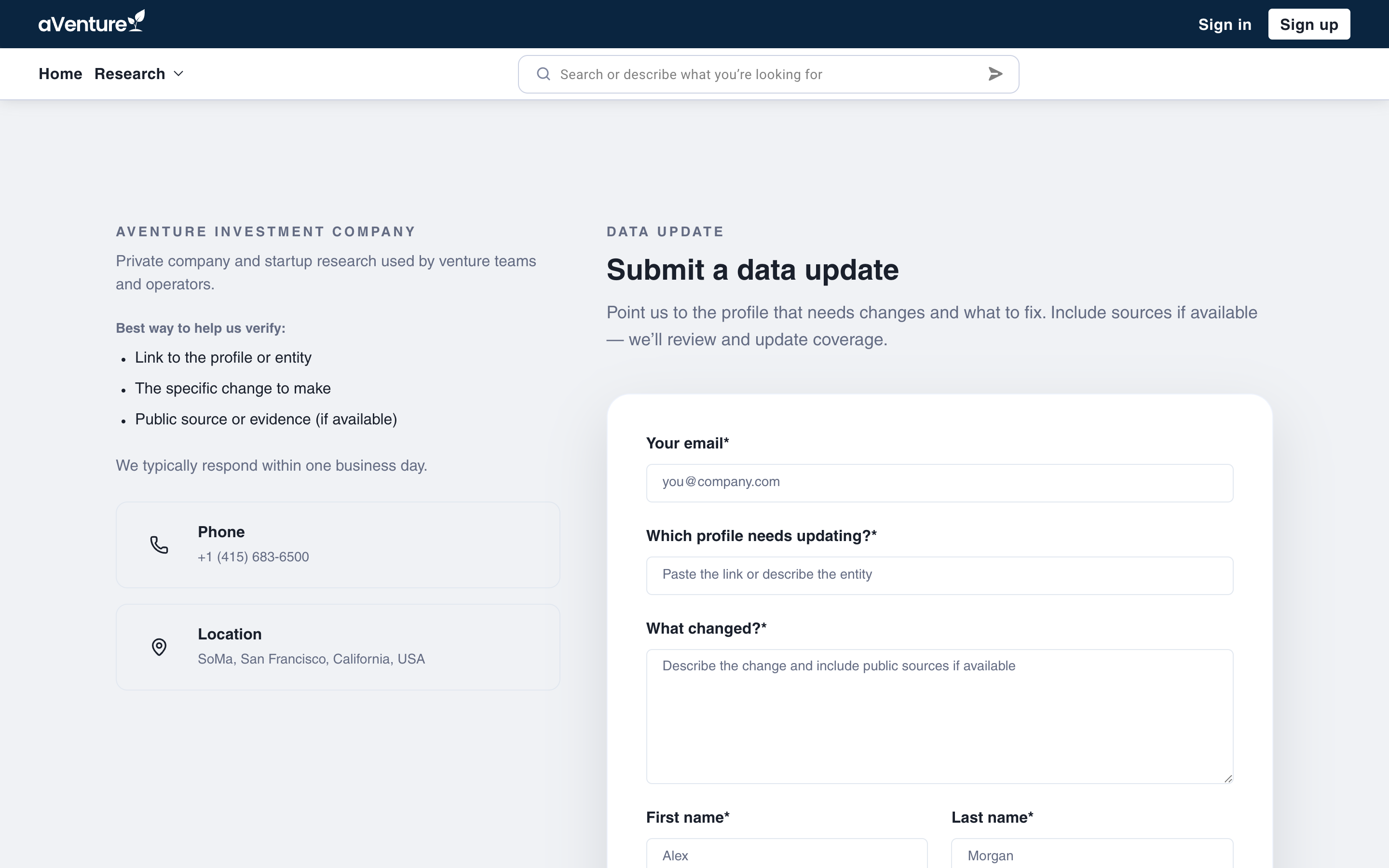
The request data updates page: the checklist on the left, the form on the right, and a Send update button at the bottom.
What a good request looks like
Generic contact forms bury corrections under everything else. This one asks only for what a researcher needs to act:
- Which profile needs updating? Paste the link to the company or person profile, or describe the entity well enough to find it.
- What changed? Describe the correction and include public sources when you have them. A link to a funding announcement, an about page, or a filing turns a request into something verifiable.
- Your email, so the team can follow up when a change needs a second source or a quick clarification.
First and last name plus an optional role selection (startup, investor, financial advisor, and so on) round out the form. The page itself carries the same guidance as a checklist: link to the profile or entity, the specific change to make, and public evidence if available.
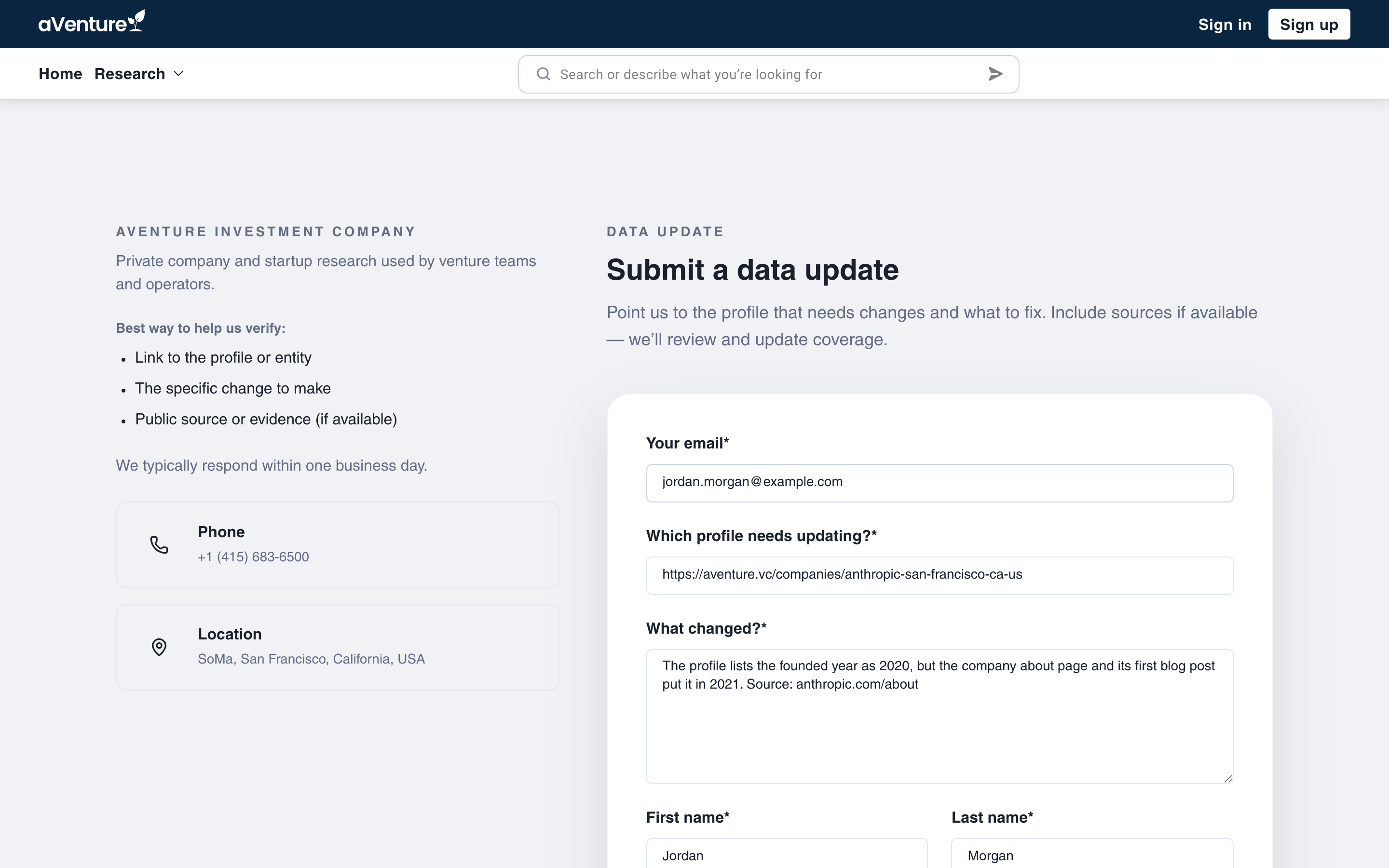
A complete request: the profile link, the specific correction, and a public source the research team can check.
What happens after you send it
Submitting runs a quick anti-spam check and hands your request to the aVenture research team as a reviewed submission, not an automated edit. The confirmation page sets the follow-up expectation: the research team reviews your suggested change and follows up with any questions. The stated expectation on the form is a response within one business day.
One note on scope: if a company or person is missing from aVenture entirely, that is a different request. Use the Add a Company form for new coverage. This form is for records that already exist and need correcting.
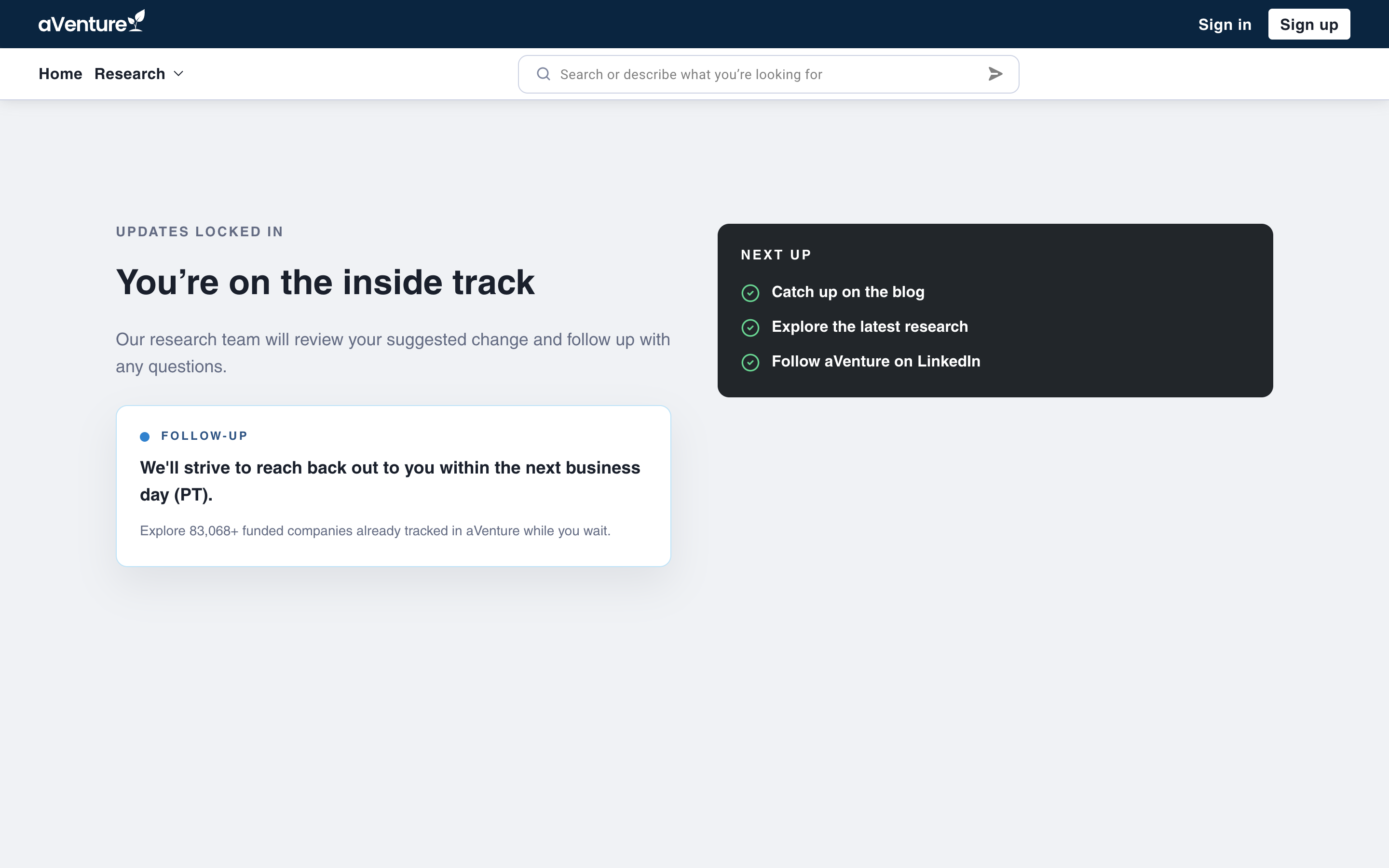
After you submit: a confirmation page sets the follow-up expectation and points back to the research.
Every correction compounds
A research platform is only as trustworthy as its worst record. Every correction that comes through this form is reviewed against public sources before the profile changes, and every fix makes the record better for the next investor, founder, or analyst who researches that company.
If a profile you rely on is out of date, flag it here: request a data update on aVenture.